ORCA v1 Hand灵巧手使用说明-2.环境搭建以及快速测试
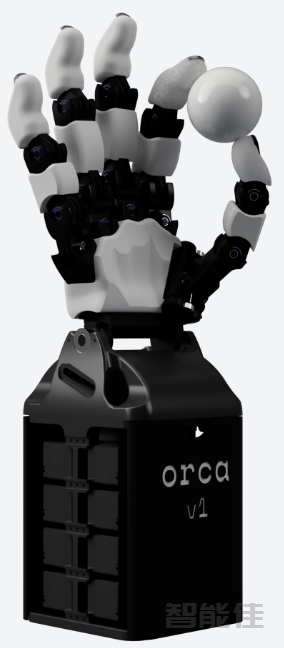
Orca Core 是 ORCA Hand 的核心控制包。它用于抽象硬件,提供校准和张紧脚本,并在关节空间中使用简单的高级控制方法来控制机械手。
开始
要开始使用 Orca Core,请按照以下步骤操作:
下载代码:
git clone https://ghfast.top/https://github.com/orcahand/orca_core.git

1.创建虚拟环境(推荐):
python3 -m venv venv
source venv/bin/activate

如果您愿意,您还可以使用Poetry、pyenv、conda或任何其他环境管理器。
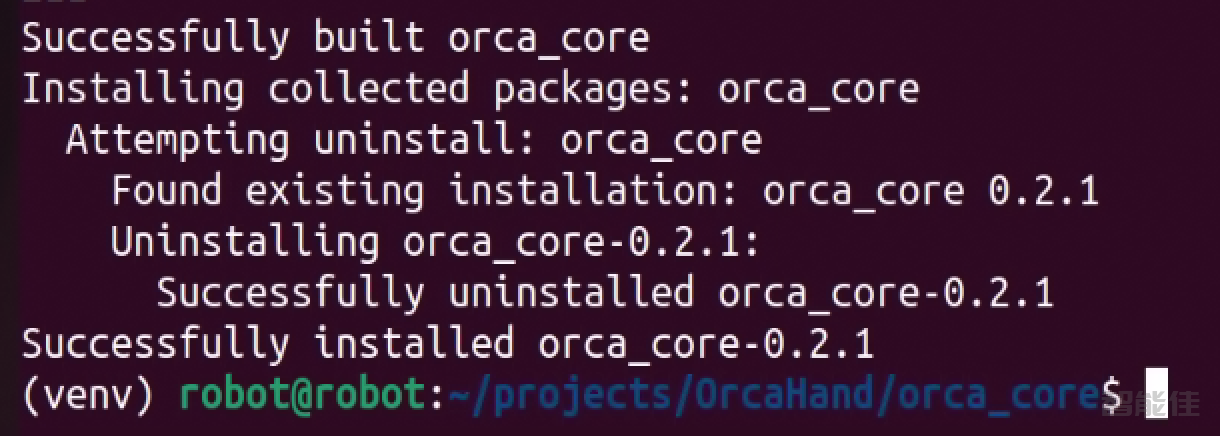
2.安装依赖项:
pip install pyserial

cd projects/OrcaHand/orca_core/
pip install -e .

3.检查配置文件:
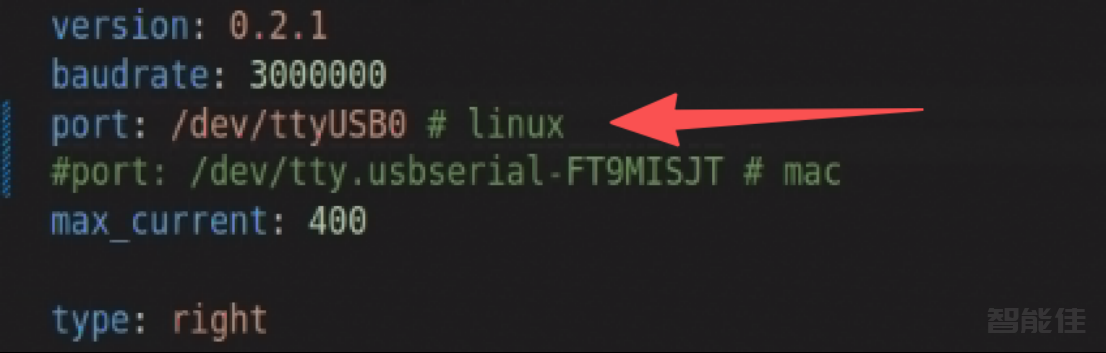
检查配置文件(例如orca_core/orca_core/models/orcahand_v1_right/config.yaml)
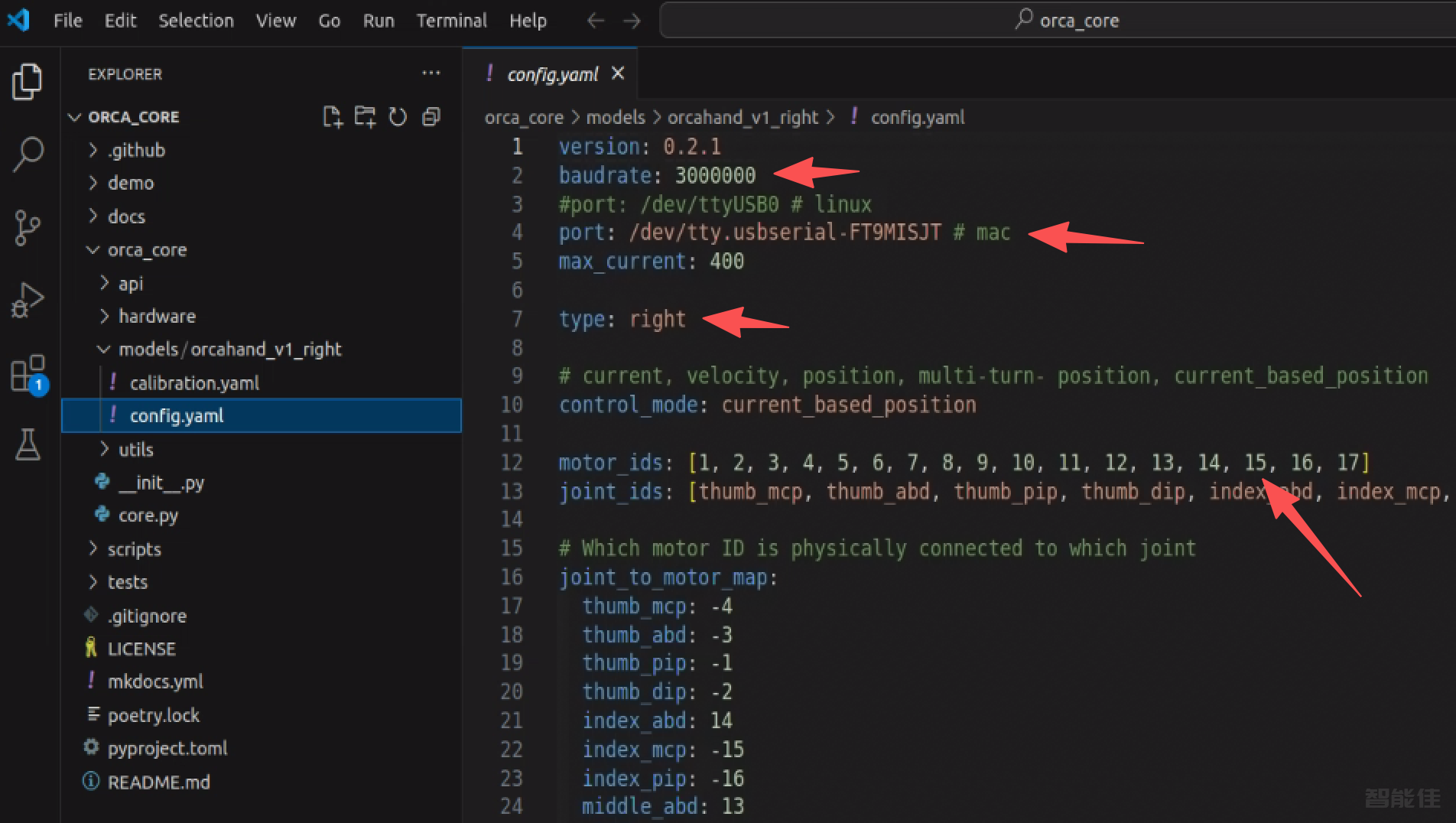
并确保它与您的硬件设置相匹配。
修改
linux端:端口改为/dev/ttyUSB0
4.运行张力和校准脚本:
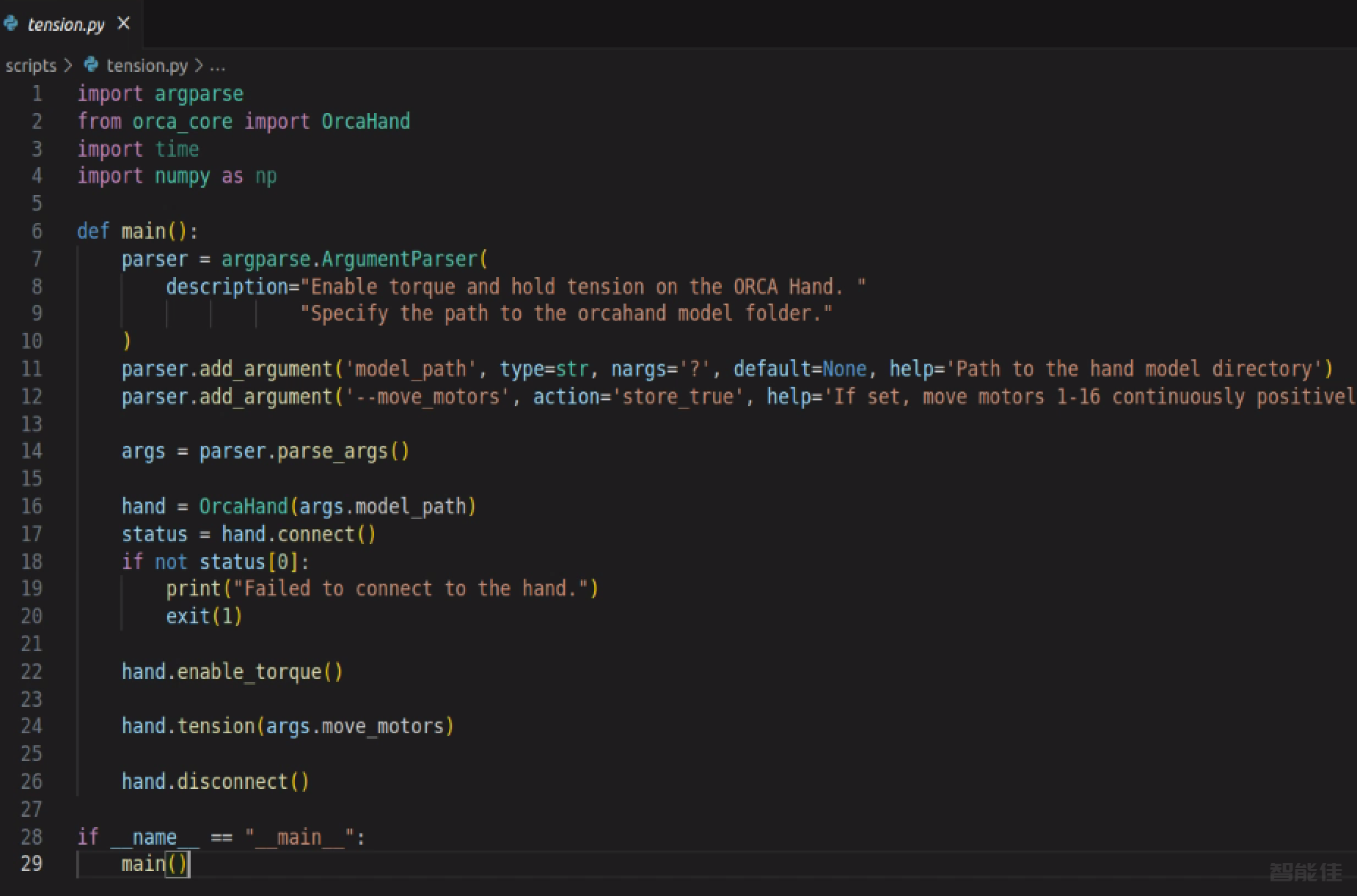
python scripts/tension.py orca_core/models/orcahand_v1_right

python scripts/calibrate.py orca_core/models/orcahand_v1_right
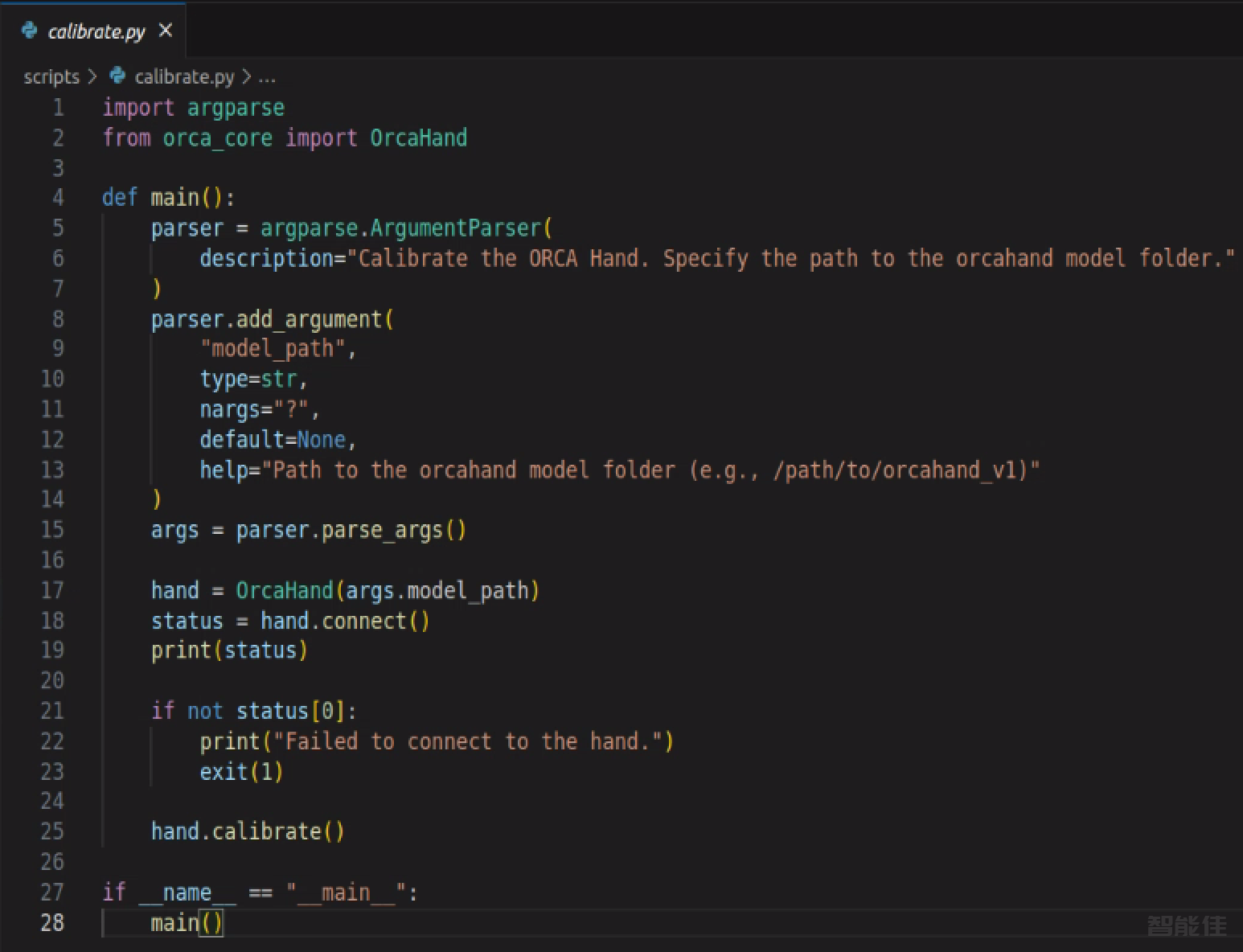
如果需要,用特定的手模文件夹替换该路径。
5.将手移至中立位置:
python scripts/neutral.py orca_core/models/orcahand_v1_right
6.示例用法:test.py
这是一个可用于测试设置的最小示例脚本:
from orca_core import OrcaHand
import time

hand = OrcaHand('orca_core/models/orcahand_v1_right')
status = hand.connect()
print(status)
if not status[0]:
    print("Failed to connect to the hand.")
    exit(1)

hand.enable_torque()

joint_dict = {
    "index_mcp": 90,
    "middle_pip": 30,
}

hand.set_joint_pos(joint_dict, num_steps=25, step_size=0.001)

time.sleep(2)
hand.disable_torque()
hand.disconnect()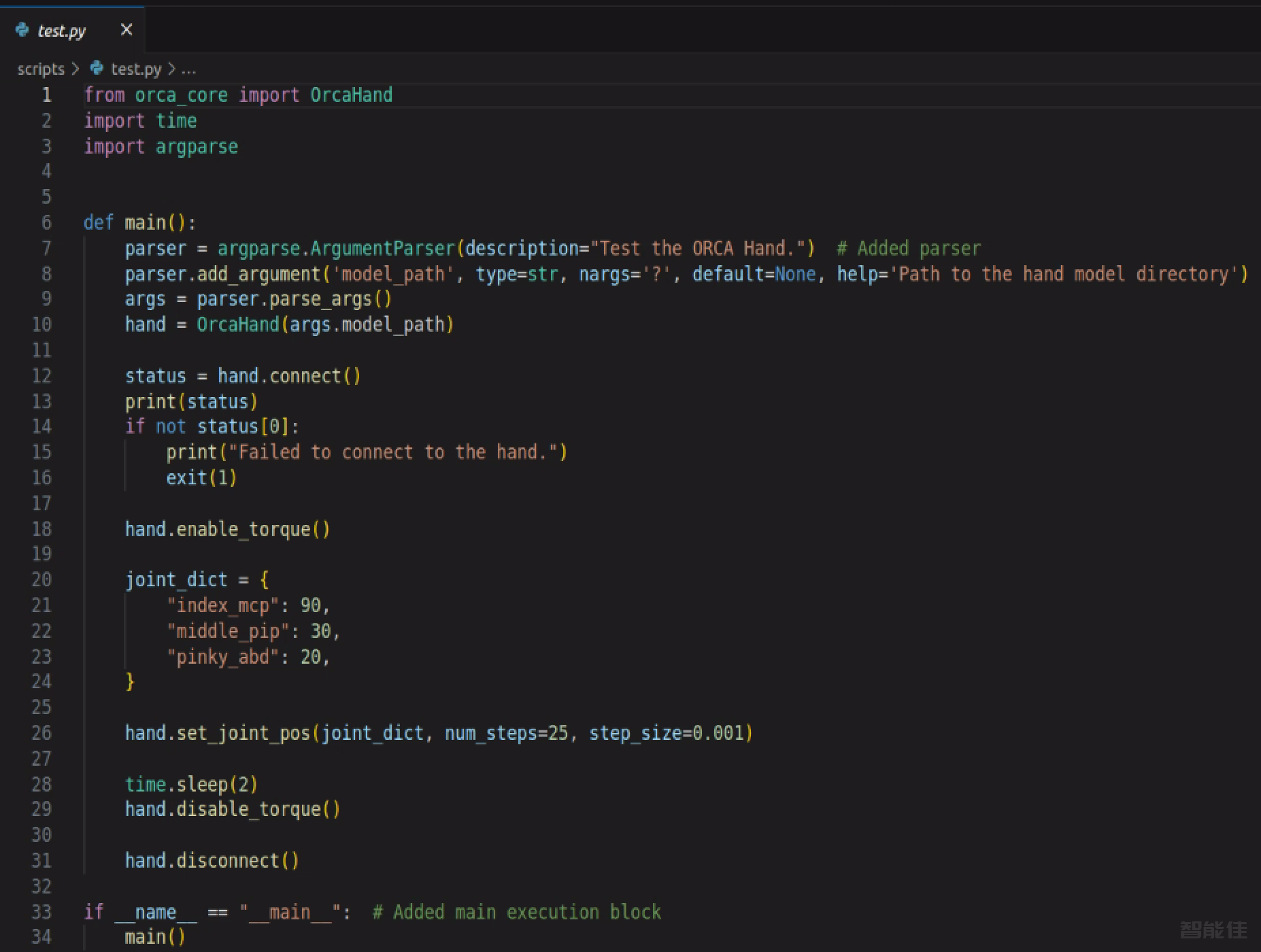
笔记
² 始终确保您的config.yaml硬件和接线相匹配。
² 文件夹中的所有脚本都scripts/将模型路径作为其第一个参数。
² 有关更高级的用法,请参阅其他脚本和 API 文档。
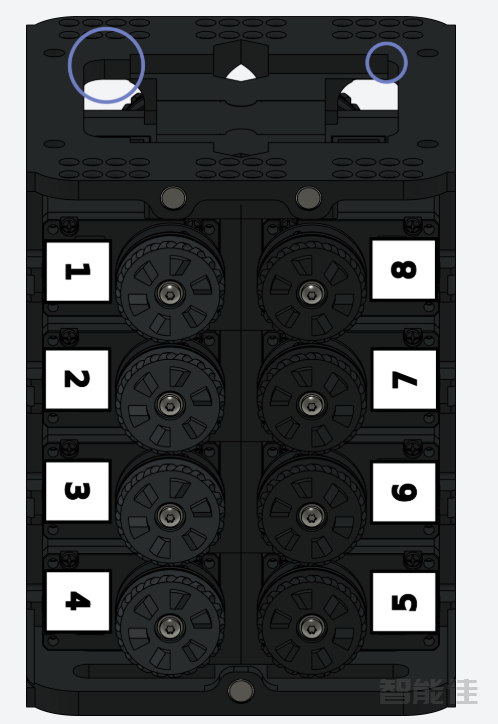
ID图