伯克利开源低成本的示教神器GELLO-2.软件安装
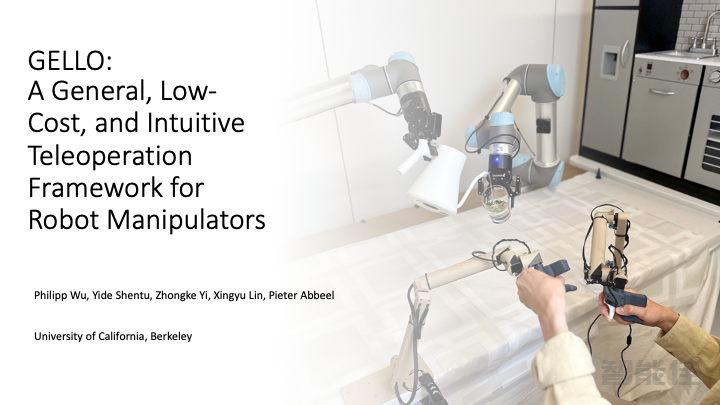
GELLO 是一个通用、低成本且直观的机器人机械臂远程操作框架。
项目网站(查看GELLO 的论文和其他资源):https://wuphilipp.github.io/gello_site/
硬件库:访问 GELLO 硬件仓库,获取 STL 文件和硬件说明
软件安装
mkdir ~/projects
cd ~/projects
git clone https://ghfast.top/https://github.com/wuphilipp/gello_software.git
cd gello_software
虚拟环境(推荐)
首先,如果没有UV,请先安装:
curl -LsSf https://astral.sh/uv/install.sh | sh
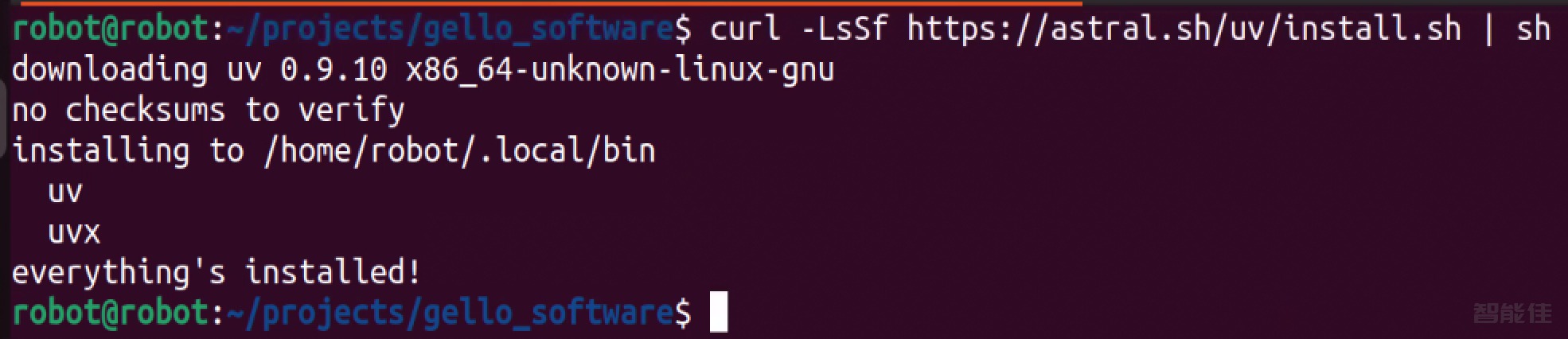
创建并激活虚拟环境:
uv venv --python 3.11

source .venv/bin/activate

git submodule init
git submodule update
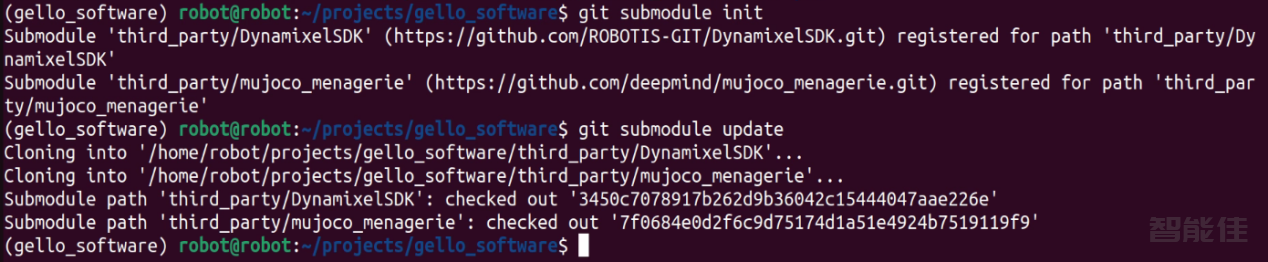
如果访问github遇到网络问题的:可以跳过git submodule init和git submodule update参考如下操作
cd /home/robot/projects/gello_software/third_party
rm -rf DynamixelSDK mujoco_menagerie
git clone https://ghfast.top/https://github.com/ROBOTIS-GIT/DynamixelSDK.git
git clone https://ghfast.top/https://github.com/google-deepmind/mujoco_menagerie.git
cd /home/robot/projects
uv pip install -r requirements.txt -i https://pypi.tuna.tsinghua.edu.cn/simple
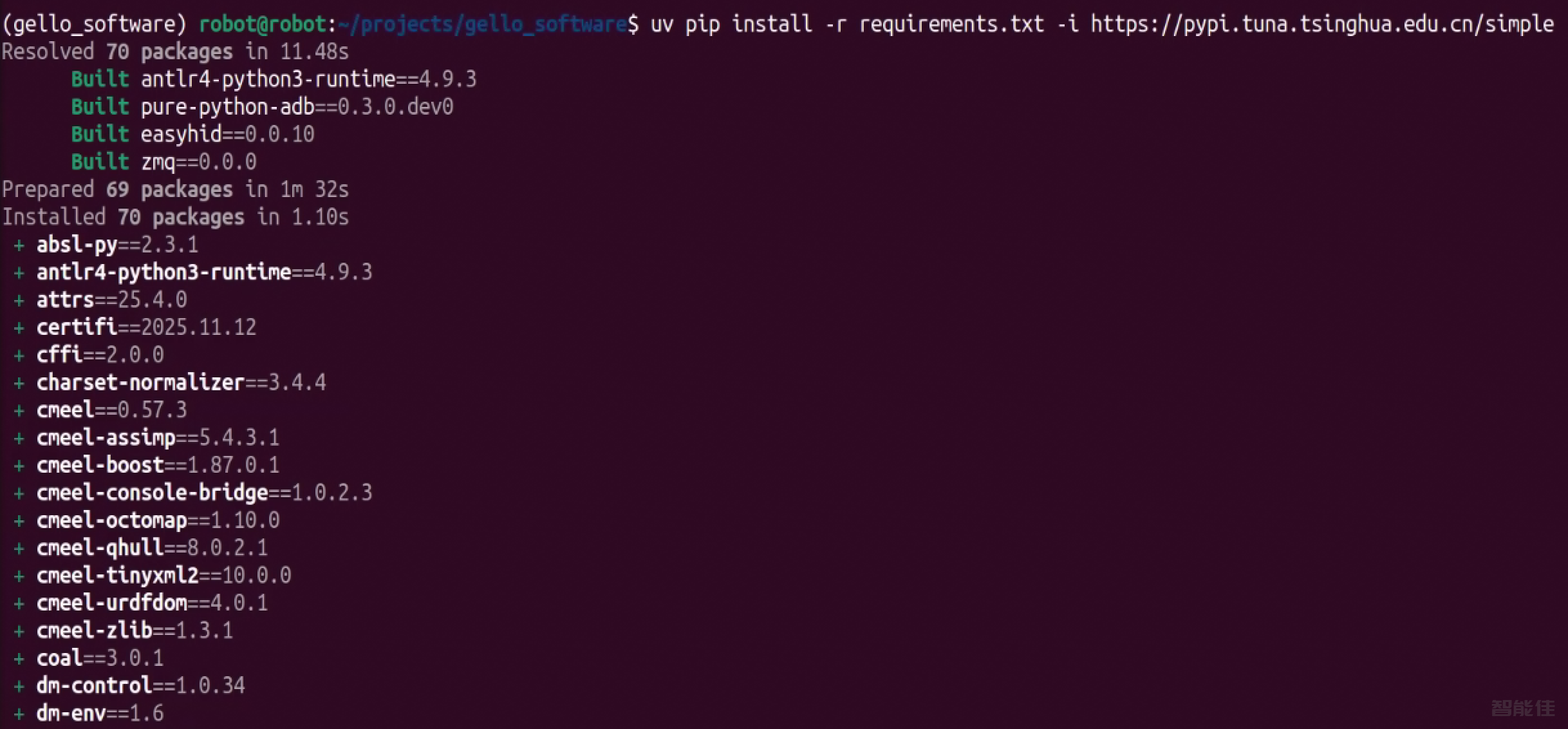
uv pip install -e . -i https://pypi.tuna.tsinghua.edu.cn/simple

uv pip install -e third_party/DynamixelSDK/python

uv pip install rich -i https://pypi.tuna.tsinghua.edu.cn/simple
