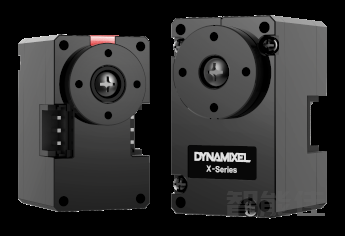
XL330-M288-T 是一款紧凑型智能伺服电机,适用于机器人关节和精密控制。核心特点高扭矩输出:堵转扭矩最高达 0.6 N·m(6 V),齿轮比为 288.4:1,适合高负载场景。轻量化设计:重量仅 18 g,尺寸为 20 × 34 × 26 mm,适合空间受限的应用。多种控制模式:支持位置、速度、电流和 PWM 控制,并支持扩展位置控制模式,范围可达 ±256 圈。高精度传感:配备 12 位无接触式绝对编码器,分辨率为 4096 脉冲/转。通信灵活:采用 TTL 串口通...
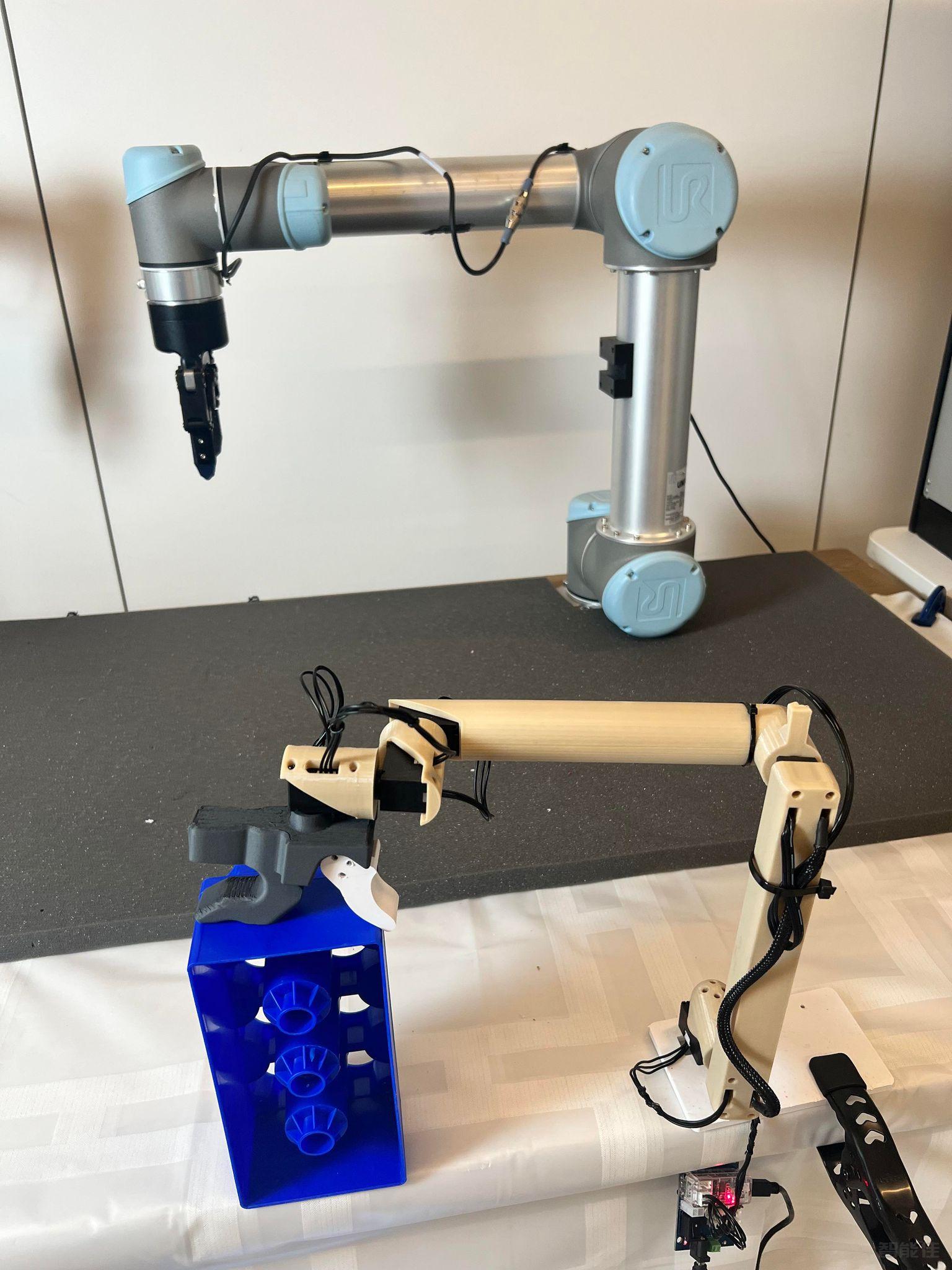
智能佳—Gello-UR机械臂遥操作—操作引导视频/* 仅针对本页面的局部样式,不影响全局 */
.product-video-container {
max-width: 100%;
margin: 20px 0;
background: #fff;
border-radius: 4px;
overflow: hidden;...

点击跳转项目地址:https://wuphilipp.github.io/gello_site/代码地址:https://github.com/wuphilipp/gello_software...
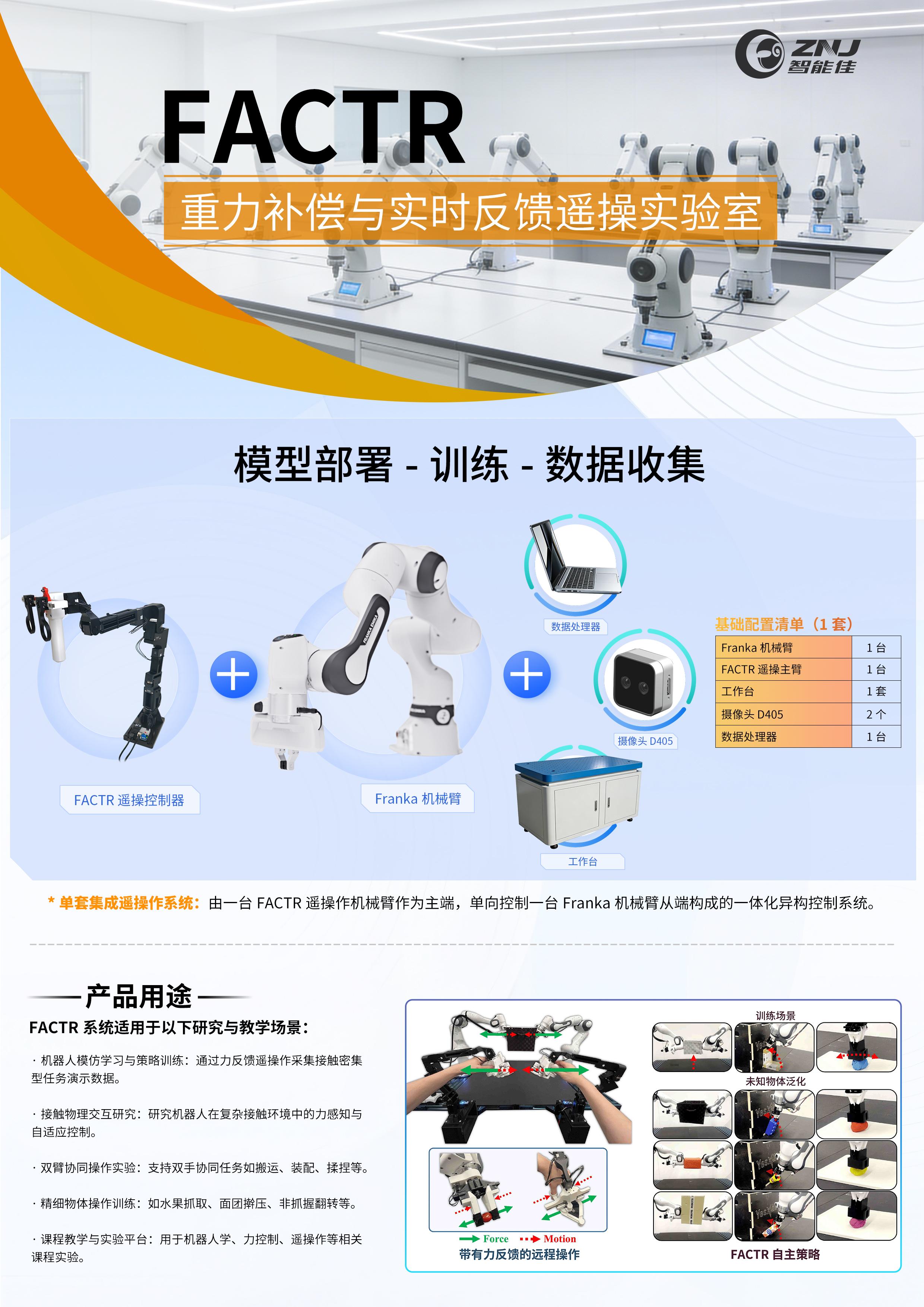
采购点击跳转:项目网站:https://jasonjzliu.com/factr/代码开源地址:https://github.com/JasonJZLiu/FACTR_Teleop...

Microduck原装热门舵机XL330-M288-T介绍 咨询采购手搓microduck保姆级完整教程!一步一步带你从零开始做鸭,小白也能复刻! document.getElementById("spkj").style.height=document.getElementById("spkj").scrollWidth*0.76+"px";Microduck官方网站AI-FanGe复刻教程fanhao375复刻教程JoyandAI复刻教程关于仿真...
该系列文章介绍如何在ros2环境下使用turtelbot3,完成基本控制移动,建图,导航等功能。测试环境:Ubuntu20.04 + ros2 foxy...
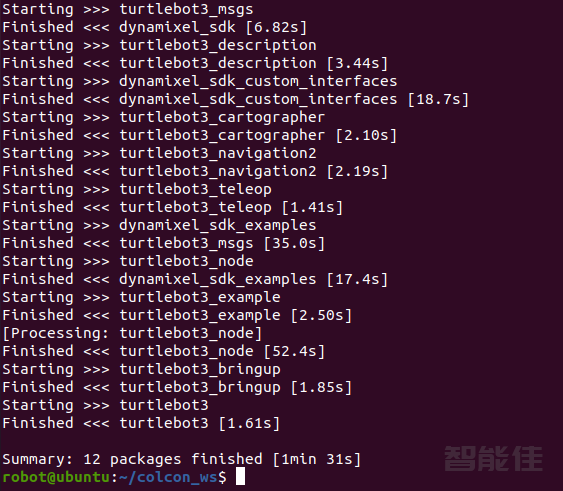
mkdir -p ~/colcon_ws/srccd ~/colcon_ws/src/git clone -b foxy-devel https://github.com/ROBOTIS-GIT/DynamixelSDK.gitgit clone -b foxy-devel https://github.com/ROBOTIS-GIT/turtlebot3_msgs.gitgit clone -b foxy-devel https://github.com/ROBO...
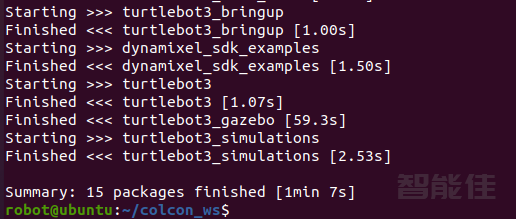
下载仿真包cd ~/colcon_ws/src/安装git clone -b foxy-devel https://github.com/ROBOTIS-GIT/turtlebot3_simulations.git编译cd ..colcon build --symlink-install启动Fake Noderos2 launch turtlebot3_fake_node turtlebot3_fake_node.launch.py启动后弹出rviz,并显示小车模型启动键盘控...
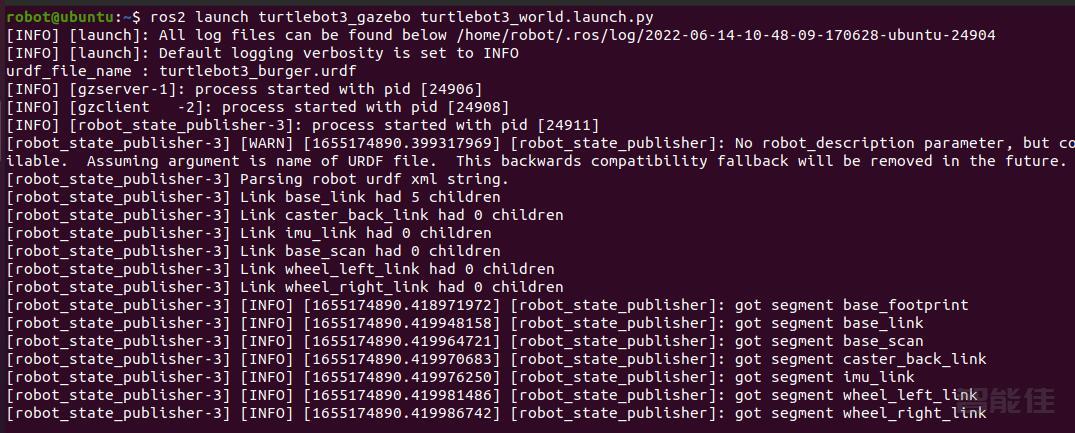
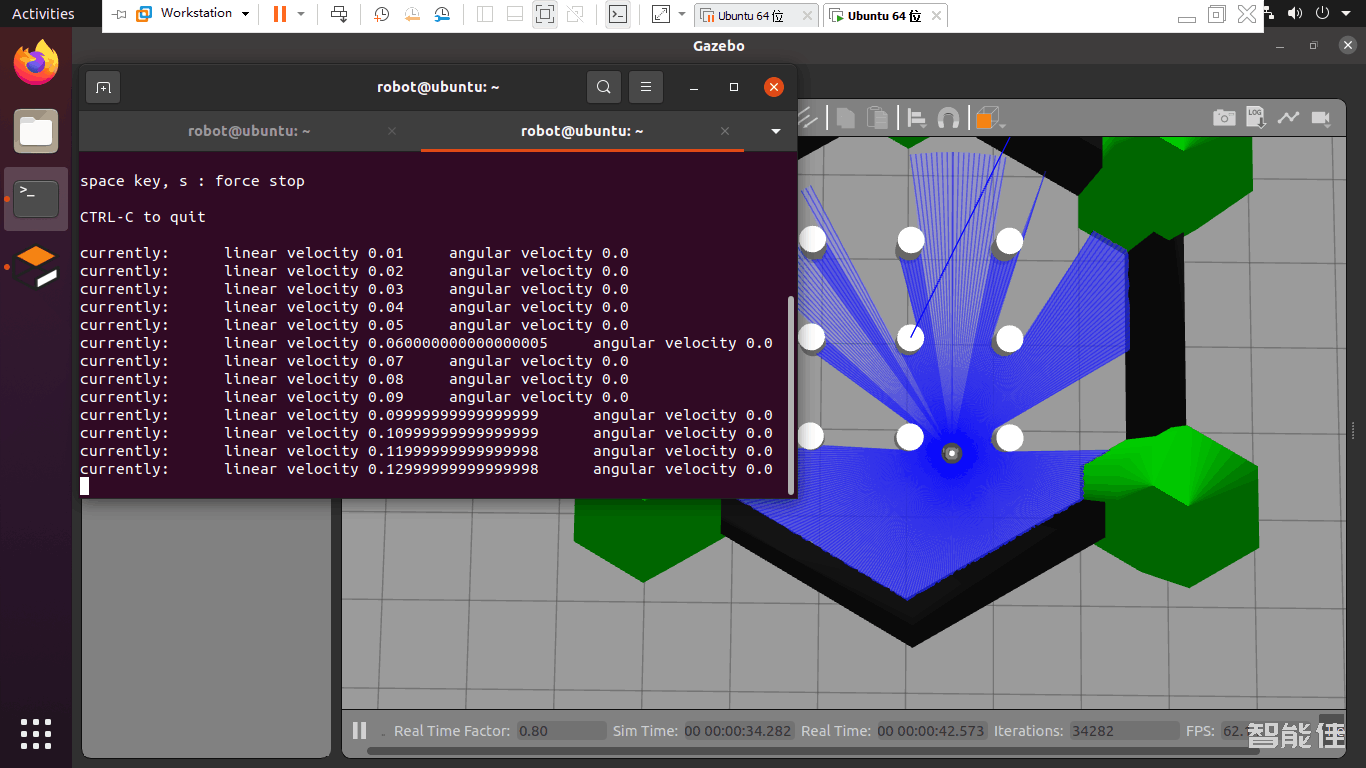
新开终端,启动gezeboros2 launch turtlebot3_gazebo turtlebot3_world.launch.py启动键盘控制ros2 run turtlebot3_teleop teleop_keyboard...
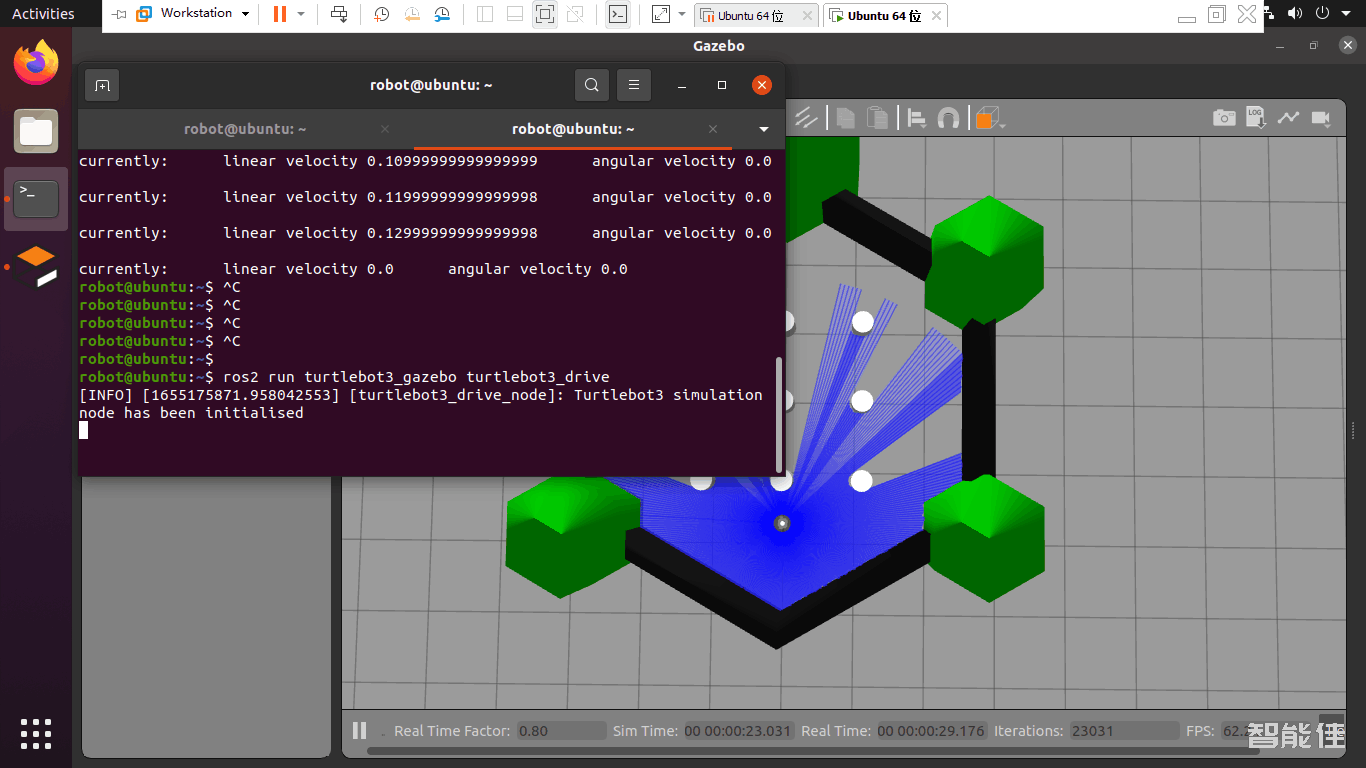
新开终端,启动gazeboros2 launch turtlebot3_gazebo turtlebot3_world.launch.py新开终端,执行自走避障程序ros2 run turtlebot3_gazebo turtlebot3_drive效果如下:...
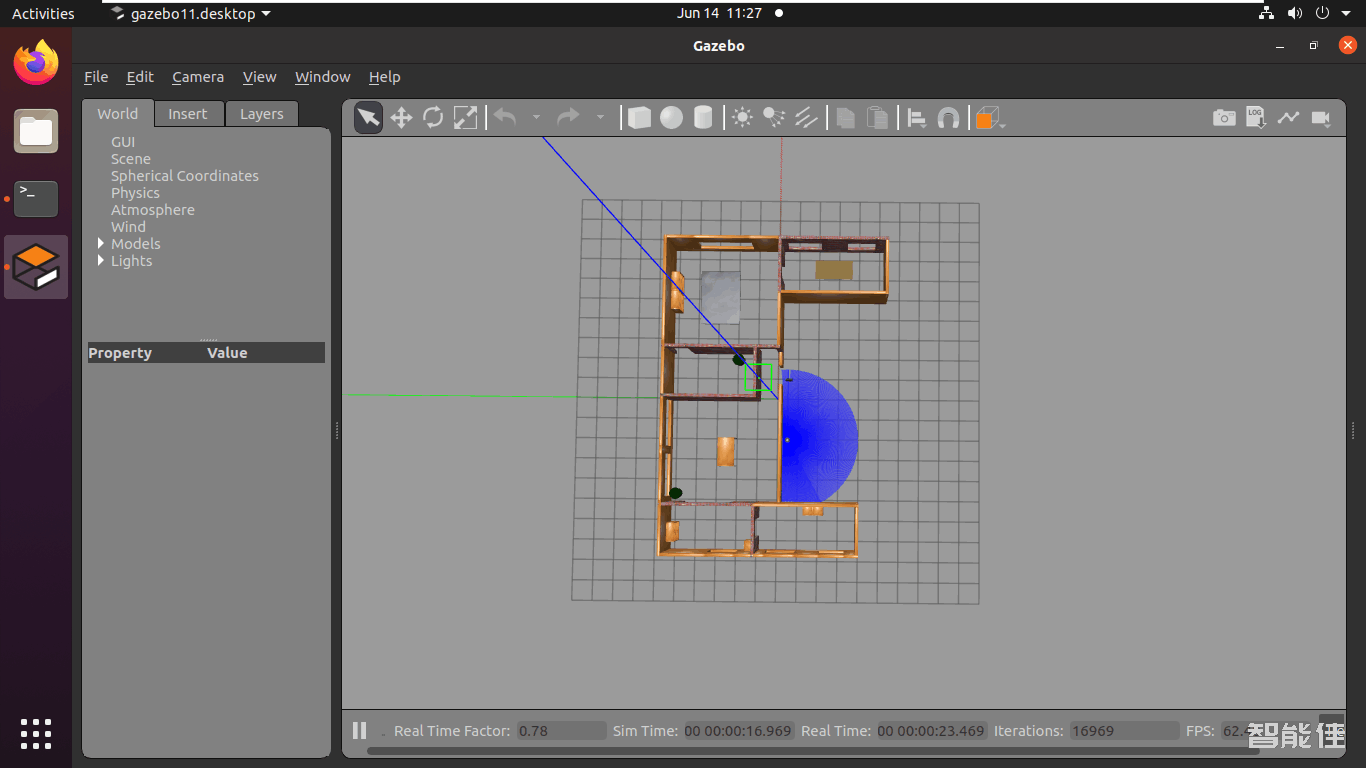
新开终端,启动gezebo,并带有house地图ros2 launch turtlebot3_gazebo turtlebot3_house.launch.py效果如下:...
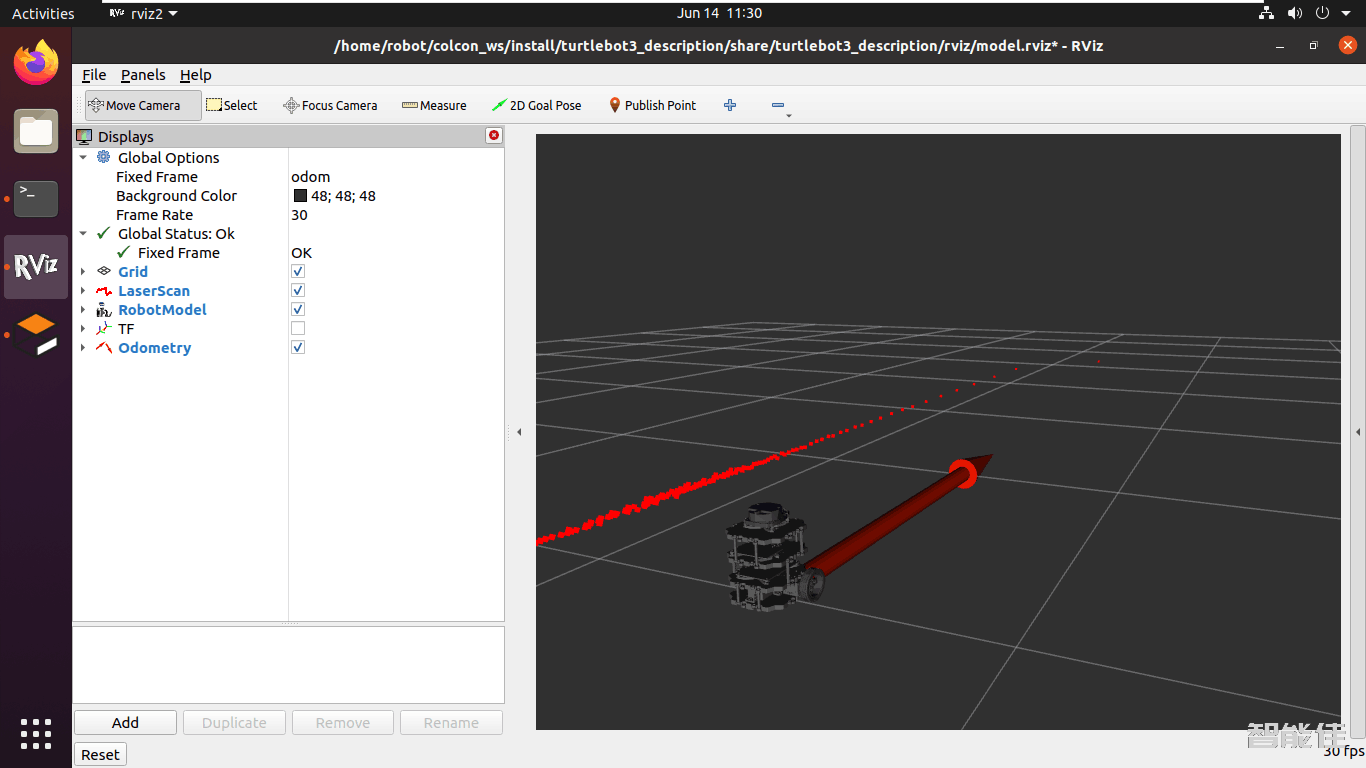
启动gazeboros2 launch turtlebot3_gazebo turtlebot3_house.launch.py启动rviz2ros2 launch turtlebot3_bringup rviz2.launch.py效果如下:...
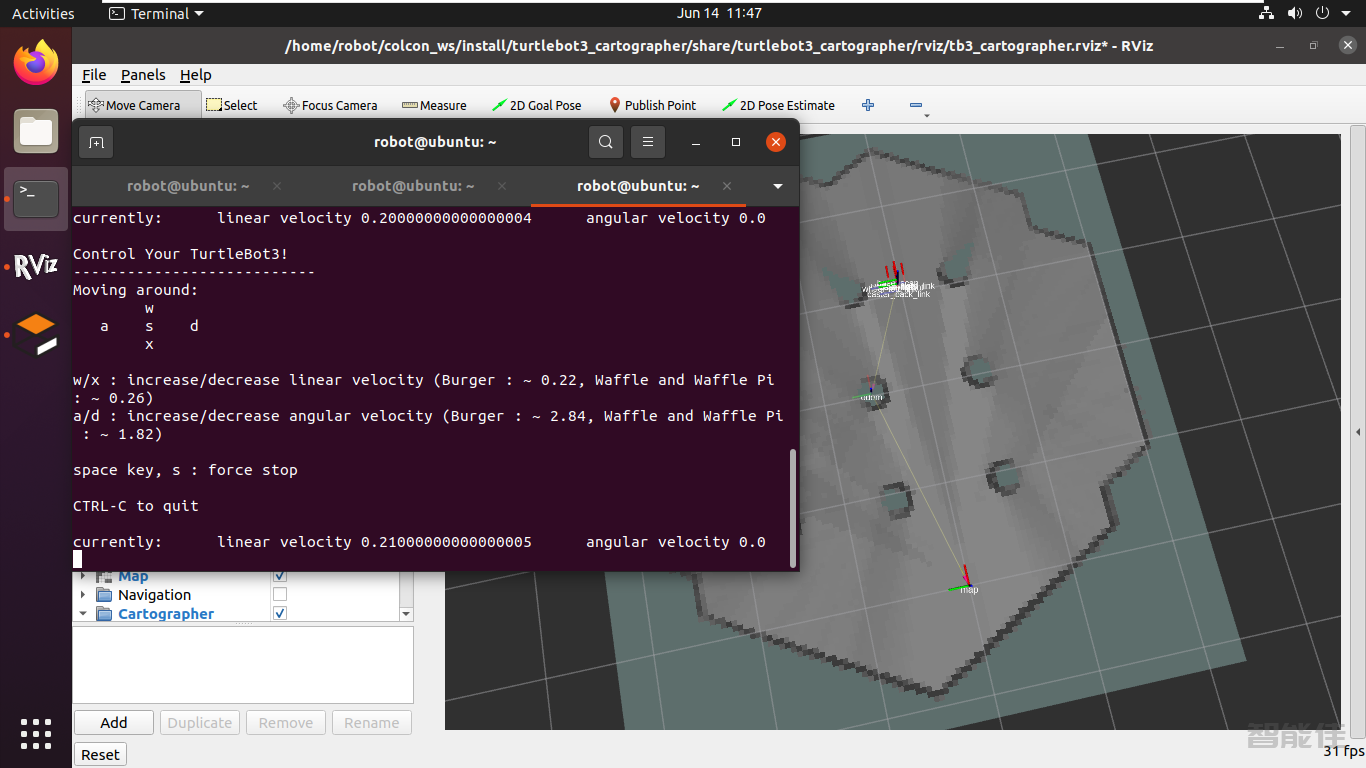
新开终端,运行gazeboros2 launch turtlebot3_gazebo turtlebot3_world.launch.py新开终端,运行建图ros2 launch turtlebot3_cartographer cartographer.launch.py use_sim_time:=True新开终端,启动键盘ros2 run turtlebot3_teleop teleop_keyboard控制小车随机移动,并进行建图,并查看建立的地图,差不多后,保存地图。...
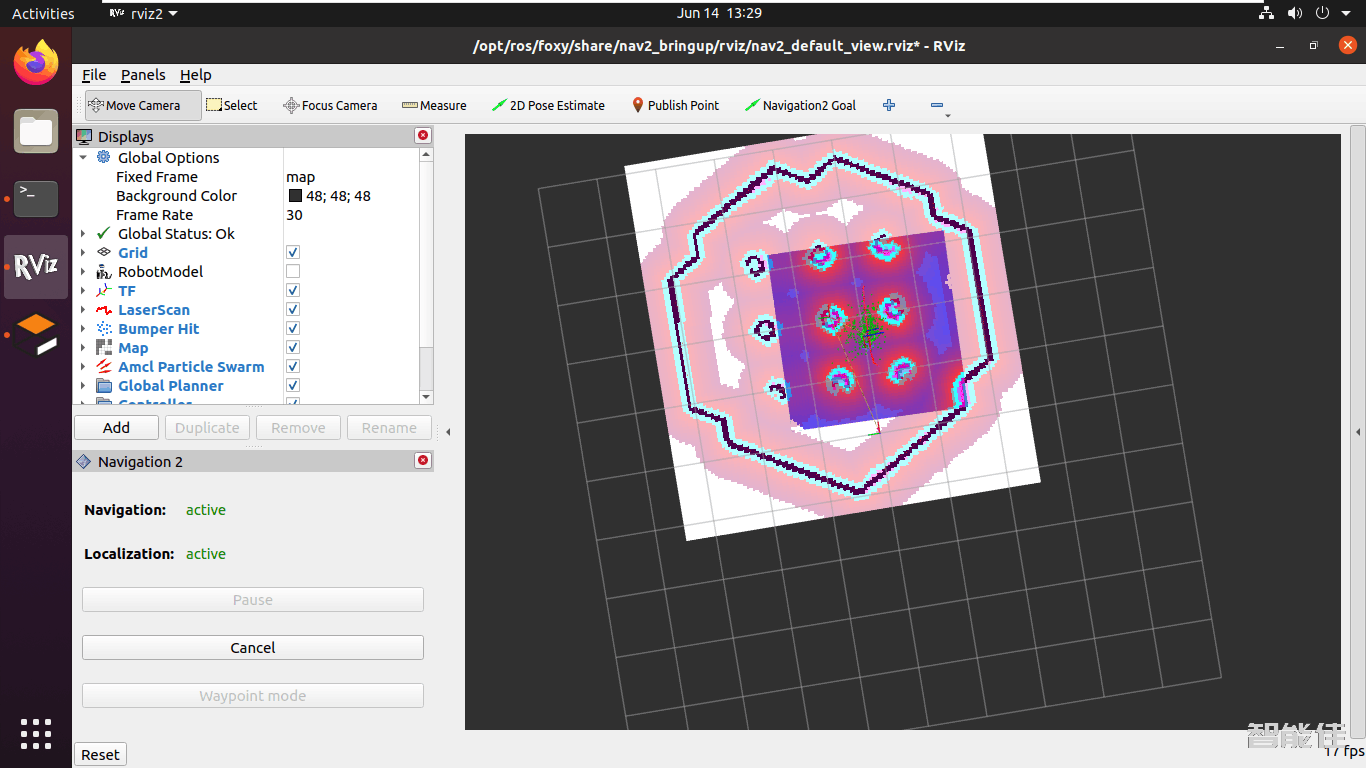
新开终端,运行gazeboros2 launch turtlebot3_gazebo turtlebot3_world.launch.py新开终端,导航ros2 launch turtlebot3_navigation2 navigation2.launch.py use_sim_time:=True map:=/home/robot/map_world.yaml点击2D Pose Estimate初始化位姿,点击Navigation2 Goal选择目标点进行导航效果如下:...